


One language. One codebase. 5 apps.
Master Kotlin & Compose Multiplatform development by building an industry-scale multi-module chat app in over 170 video lessons
100% responsive custom UI
Offline-first
Real-time communication
Authentication

You want to…
- ... build large-scaling apps for the entire stack using Kotlin?
- ... learn about advanced architectural principles from the real world?
- ... maximize the amount of Kotlin code you share in your app with secret tips you don't find online?
- ... learn to approach big projects from absolute scratch?
- ... learn KMP & CMP from a course that has been approved by JetBrains, the makers of these technologies?




After this course, you will…
Truly understand the technologies that matter in the industry
The chat app you’ll learn to build intentionally includes all those technologies that truly matter for the vast majority of apps in the industry.

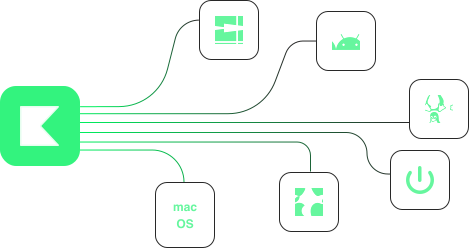
Confidently build apps for 5 platforms
With just Kotlin, you will be able to build five production-grade Kotlin Multiplatform apps – targeting Android, iOS, Windows, MacOS & Linux.
Understand advanced architecture & system design
These courses not only focus on building a solid software architecture from scratch, but teaching you in a way that you truly understand why architectural decisions are made the way they are.

Build a 100% responsive chat app from scratch
This is Chirp – a multi-module chat app you’ll learn to build with Kotlin & Compose Multiplatform as well as a Kotlin Spring Boot backend


Covers everything the industry demands
Philipp Lackner’s quality standard is to not only cover what you need in the real world, but also involve you into his own thought process behind every single of 20,000 lines of Kotlin code.
Architecture & System Design
Learn about the fundamentals of backend system design and app development architecture – and how to decide which approach is right for your app.
KMP & CMP Internals
KMP & CMP Internals
Truly understand how KMP & CMP work under the hood to be able to better understand what you can do when things go wrong.
Multi-Module Architecture With Gradle
You’ll still have to fight Gradle – but after finishing this course bundle you’ll know how to do so without giving up.
100% Responsive UI
Transform professional Figma mockups into a reusable custom design system in Compose Multiplatform – 100% responsive with light & dark theme.
Networking
Master making HTTP requests from the client as well as properly handling these incoming requests on the server side.
Authentication & Session Management
Understand how you can implement a registration & login system with forgot password and email verification functionality.
Offline-First Development
Implement a local database with multiple tables and relations to make the entire client app work in offline-mode.
WebSockets
Establish a real-time connection between server & client to notify each other about new chat mesages and other important updates instantly.
Deeplinking
Learn to let clicks on URLs open your client app directly from the browser – very useful for email verification or reset password links.
Photo Picking & Uploads
Implement native photo pickers in the client apps and upload these to the server. Server side, you will truly understand efficient remote file storage.
Push Notifications
Use the Firebase Admin SDK to send push notifications to Android & iOS devices when new chat messages arrive. On all desktop platforms, you’ll implement native local notifications.
Pagination
Both server and client will follow a pagination approach to only load the data the client actually needs to display.
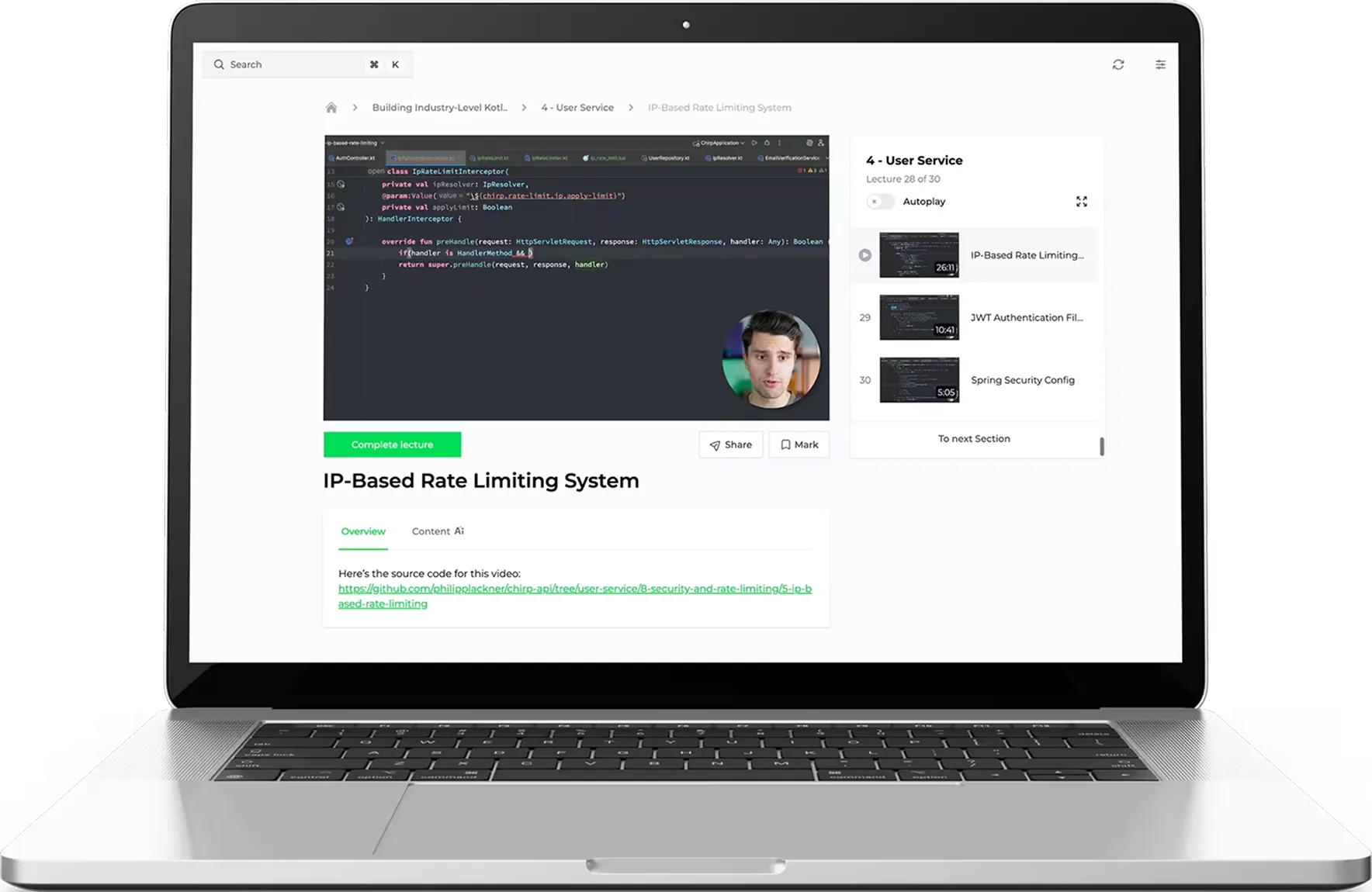
These 185 videos are waiting for you
Get Instant Access to 34+ Hours of Exclusive Video Material
- Prerequisites
- The Right Order to Watch
- How You Get the Most Out of This Course
- What We’ll Build
-
- What is Kotlin Multiplatform?
- What is Compose Multiplatform?
- KMP & Native Apps
- How KMP Compiles Down to Targets
- How CMP Works Under the Hood
- KMP vs. Flutter vs. React Native
-
- Separation of Concerns
- What is a Module?
- Kotlin Multiplatform Modules
- Advantages of Multi-Module Architecture
- Multi-Module Architecture Isn’t a General Best Practice
- Which Modularization Strategy to Choose?
- Finding the Sweet Spot Between Modular Design & Low Complexity
- Use Cases – yes or no?
- Single-Responsibility Principle
- Open-Closed Principle Principle
- Liskov-Substitution Principle
- Interface-Segregation Principle
- Dependency-Inversion Principle
-
- Project Setup
- KMP Project Roundtrip
- Gradle Challenges in a Multi-Module Project
- Version Catalog Setup
- Creating the KMP Module Structure
- Defining the Module Relations
- Creating the build-logic Module
- Creating the build-logic Module
- – CREATING THE CONVENTION PLUGINS –
- Android Application Convention Plugin
- Android Application Compose Convention Plugin
- CMP Application Convention Plugin
- KMP Library Convention Plugin
- CMP Feature Convention Plugin
- BuildKonfig Convention Plugin
- Room Convention Plugin
-
- Result Wrapper
- String Resource Management
- Observing One-Time Events In Compose
- Material3 Theme Setup
- HttpClient Result Handling
- HttpClient Network Call Utility
- HttpClienFactory
- Device Configuration for Responsive UIs
- – AUTH DESIGN SYSTEM –
- Core ButtonsIcon Buttons
- Floating Action Buttons
- Normal Text Fields
- Password Text Fields
- Core Surface
- Form Adaptive Layout
- Adaptive Result Layout
- Simple Success Layout
- Snackbar Scaffold
- – REGISTERING ACCOUNTS & EMAIL VERIFICATION –
- Register Screen Skeleton
- Register Screen UI
- Validate Register Form Fields
- Register API Endpoints
- Handling Registration in RegisterViewModel
- Koin DI Setup
- Fixing Small Register Errors
- Register Success Screen UI
- Navigation Setup
- Resending Verification Emails
- Email Verification Screen UI
- Verifying Emails
- Deep Linking to Verification Screen
- – LOGGIN IN –
- Login Screen UI
- Logging In Users
- Storing Sessions
- Token Refresh Mechanism
- Splash Screen Setup on AndroidSplash Screen Setup on iOS
- Staying Logged In Functionality
- Handling Expired Sessions
- – FORGOT & RESET PASSWORT FUNCTIONALITY –
- Forgot Password Screen UI
- Triggering Forgot Password Emails
- Reset Password Screen UI
- Resetting Passwords
- – SMALL IMPROVEMENTS & FIXES –
- Clearing Focus on Tap
- Fixing Window Insets
-
- – CHAT DESIGN SYSTEM –
- Chat Bubble UI
- Multi-Line Layout
- Avatar Photo UI
- Stacked Avatars UI
- Confirmation Dialog
- Bottom Sheet Wrapper
- Dialog Content Wrapper
- Adaptive Dialog Sheet Layout
- – CREATING CHATS –
- Implementing the Chat Domain Models
- Dialog-Scoped ViewModelsChat
- List Detail Adaptive Layout
- Create Chat Adaptive Dialog
- Small UI Fixes
- Searching & Adding Participants
- Create Chat Logic
- – CHAT LIST SCREEN UI –
- Chat List Item UIChat List Header UI
- Chat List Screen UI
- – CHAT DETAIL SCREN UI –
- Chat Message List Item UI
- Chat Detail Header UI
- Date Chip UI
- Message Box UI
- Message List Content UI
- Putting It All Together
- – MULTI-TABLE CHAT DATABASE SETUP –
- Creating the DB Schema
- Chat DAO
- Chat Message DAO
- Chat Participant DAO
- Chat & Participant Relation DAO
- Last Message Database View
- Wiring It All Together
- – CHAT MANAGEMENT –
- Fetching & Caching Chats In DB
- Fetching a Single Chat
- Small Chat UI Fixes
- Caching Created Chats
- Leaving a Chat
- Manage Chat Adaptive Dialog
- Adding Participants to a Chat
- Empty Chat Pane Fixes
- – WEB SOCKET CONNECTIONS –
- App Lifecycle Observer
- Connectivity Observer
- Connection Error Handler
- Connection Retry Handler
- Web Socket Connector
- Sending Web Socket Messages
- Parsing Received Web Socket Messages
- – CHAT MASSAGE MANAGEMENT –
- Fetching & Caching Messages
- Sending Messages
- Small Message Fixes
- Retrying Failed Deliveries
- Deleting Messages
- Building the Paginator
- Paginating Chat Messages
- Pagination Scroll Listener & Retries
- Grouping Messages By Date
- Maintaining the Message Date Banner
- – PROFILE MANAGEMENT –
- Profile Adaptive Dialog UI
- Changing the Password
- Displaying User Data
- Image Picking on Android
- Image Picking on iOS
- Uploading the Picked Image
- Deleting the Profile Picture
- – PUSH NOTIFICATIONS –
- Requesting Notification Permission
- Push Notifications on Android
- Push Notifications on iOS
- – LOGGIN OUT –
- Logging Out
- NAL BUG FIXES –
- Message Field Improvements
-
- – INTRODUCTION –
- Demo of the Final App
- Native Desktop Development vs. JVM
- Configuring the Desktop Target
- – FEATURES –
- Persistence on Desktop
- Smart Source Set Management for JVM
- Monitoring Connectivity
- File Picking and Drag & Drop
- Window Management Fundamentals
- Menu Bar & Keyboard Shortcuts
- Creating the Tray Icon & Theme Preference Menu
- Implement Desktop Notifications
- Keyboard Shortcut for Sending Messages
- Deep Linking Preparations
- – DISTRIBUTION –
- Virtual Machine Setup
- Conveyor Installation
- Conveyor Setup & MacOS Distribution
- Windows Distribution
- Linux Distribution
-

Philipp Lackner has over 14 years of experience in the software field. Over the past years, he built a following of over 250,000 developers on social media who trust his work. With over 25,000 sold copies of his courses and 1,000h+ spent for teaching Android concepts, he already helped hundreds of thousands people to learn practical skills they can immediately apply.
He has a degree in computer science, however it didn’t go as expected. The amount of theory that was taught in university made him think about a better approach to learn what is really needed in the real world. Over time, Philipp found mentors who taught him exactly that in a practical setting. That was the game changer for his career.
After having worked for dozens of companies around the globe as a consultant, Philipp now wants to teach other Kotlin developers what really counts for becoming an outstanding developer in today’s competitive industry.
Of created Android content
Enrolled students
Years of software dev
Resultss & case studies from our students
Martin Kiper convinced his interviewers thanks to Philipp’s courses.
- Felt lost in his own projects
- Didn't feel confident in Android interviews
- Confidently nailing coding interviews
- Feels confident about advanced topics like multi-module architecture
- Convinced employers of having a higher seniority than before
- Android developer in India
- No real hands-on experience on developing complex apps
- Low salary
- Got a well-paying job in Canada
- Understood the new company's tech stack the moment he joined
- Confidently develops real-world applications
- Wasn't able to build his own apps
- Felt insecure about architecture, Compose and more advanced topics
- Approaches projects for himself and clients confidently
- Truly understands the entire relevant Android tech stack
What people are saying
about Philipp’s courses
Real-world insights, structured learning, and expert mentorship that transform careers.
"This course brought me back on track really fast and Philipp really took care to convey general knowledge that can be applied on every Android project."
Matthias Kerat
"I have been using modularization for a long time, but I learned new cool stuff and tricks in your course that will change my way of thinking about how I should design my code."
Amer Hadi
"What’s unique about Philipp, that he cares about those who are looking for help, he answers to PM’s, I’ve never had experience like that."
Ozzy
"Your course let me also the opportunity to enhance my jetpack compose and unit test skills . So, I can consider me super satisfied. Please, don’t stop mentoring."
Vitanio Daniele
"Taking any of Philipp’s courses makes you go from 0 to almost 100 in understanding the concepts in no time. He explains the basics so well and teaches real world application use cases."
Messy Limes
"I’ve had struggles working with big projects, but after this course I feel so much more confident in my skills in building large robust apps."
Luka Luković
"I recently completed this course, and I couldn't be more thrilled with the experience! This course exceeded my expectations in every way. Philipp's real-world experience was evident. He covered everything from Ul design to integrating APls and managing databases,... Overall, this course was an incredible learning journey. I highly recommend it to anyone looking to start or advance their career in Android development!"
Erdem Kaya
"Philipp is an amazing developer who explains the most difficult topics in a way that's digestible and it stays with you. Everything is through practical examples. He's someone you'd want to go to, to understand something that you can't understand"
Omer Quadri
"This is one of the best courses for android development I have taken, not only we get to learn a lot but we also get an insight of where the industry is heading and how to approach problems and projects."
Jose Agustin Reinoso

The full offer at a galance
Make a one-time investment and gain skills that last forever
Building Industry-Level Compose Multiplatform Android & iOS Apps
- Get access to 170 video lessons spanning over 30h, professional Figma mockups, homework tasks and 12-month access to the Chirp API
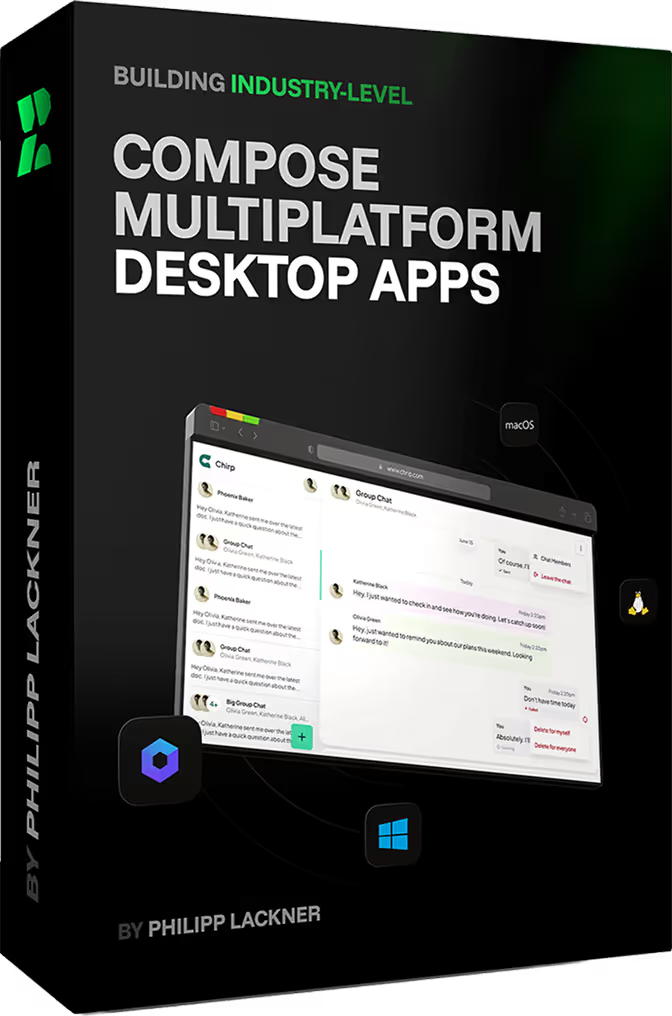
Optional Add-On: Building Industry-Level Compose Multiplatform Desktop Apps:
- Get access to 21 extra video lessons spanning over 4h, as well as desktop design extensions for the Figma mockups.

